

Integrations / QuickBooks
QuickBooks reporting, AI analytics, and alerts.
Get an auto-generated financial dashboard from your QuickBooks data — revenue, expenses, profit, cash flow — and ask 'what's my gross margin trend?' in plain English.
14-day trial · No credit card required
Native QuickBooks is on the roadmap. Until then, export QuickBooks data to CSV or Excel and DashViz handles the rest.
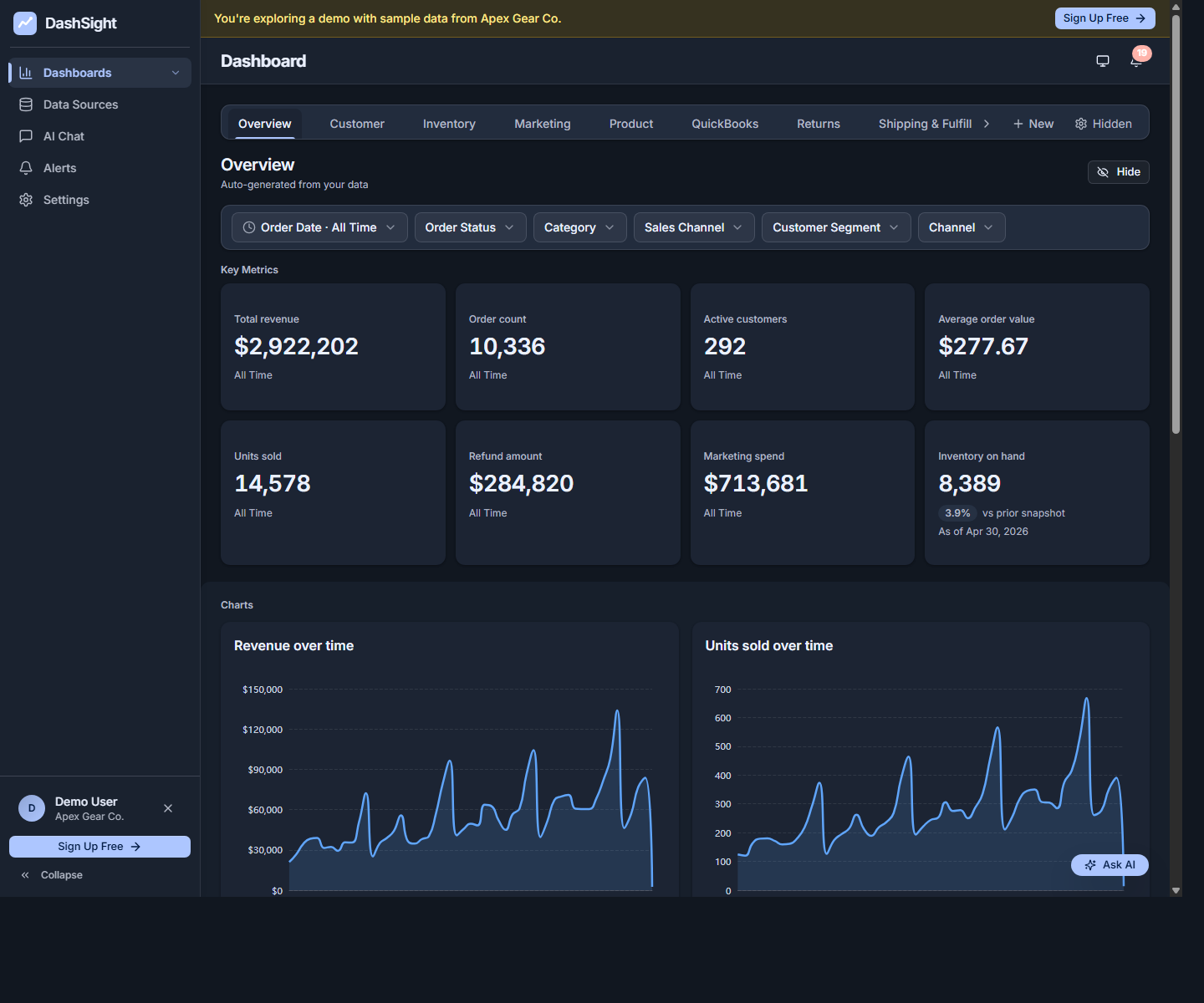
What you get
- Auto-generated financial dashboard from QuickBooks: revenue, expenses, profit, cash flow, A/R, A/P.
- AI chat over financial data — ask 'what's my biggest expense category this quarter?'
- Alerts on cash flow drops, A/R aging spikes, expense anomalies.
- Combine QuickBooks data with Stripe, Shopify, and other sources for a complete picture.
Setup in 3 steps
Connect QuickBooks Online
When the connector is available, click Connect QuickBooks in DashViz, sign in with your QuickBooks credentials, and authorize read-only access.
Confirm the data DashViz read
DashViz pulls your chart of accounts, transactions, and customer/vendor data. Confirm what it found.
Get your financial dashboard
Your QuickBooks dashboard generates automatically with revenue, expenses, profit, cash flow, A/R, and A/P.
Metrics DashViz auto-detects from QuickBooks
- Revenue (gross and net)
- Expenses by category
- Gross profit, net profit, gross margin
- Cash flow
- Accounts receivable and aging
- Accounts payable and aging
- Profit and loss by period
When QuickBooks's built-in reporting is enough
QuickBooks has solid built-in P&L and cash flow reports. DashViz adds value when you want AI chat to drill into the numbers, want to combine QuickBooks data with sales channels (Stripe, Shopify), or want alerts that watch the data continuously.
Common questions about QuickBooks + DashViz
Does DashViz pull from QuickBooks Online or Desktop?
QuickBooks Online via the official Intuit API. QuickBooks Desktop is not currently supported.
Can DashViz access my customer or vendor PII?
DashViz reads customer and vendor names for grouping and analysis, but does not display sensitive personal information like SSNs, EINs, or banking data on dashboards.
Which QuickBooks plans work with DashViz?
DashViz is planned around QuickBooks Online read-only access through Intuit's API. Exact supported QuickBooks plans and synced objects will be finalized in the connector implementation spec before production rollout.
How fresh is the QuickBooks data?
Daily refresh. You can also manually refresh from the data source page after entering new transactions in QuickBooks.
Can I see profit by customer or by project?
Yes — if your QuickBooks setup tracks customer/project on transactions, DashViz surfaces that breakdown automatically. Otherwise the breakdown is at the account level.
Ready to explore QuickBooks analytics?
Start your 14-day free trial. No credit card required.