

Integrations / Google Sheets
Turn Google Sheets into a real dashboard.
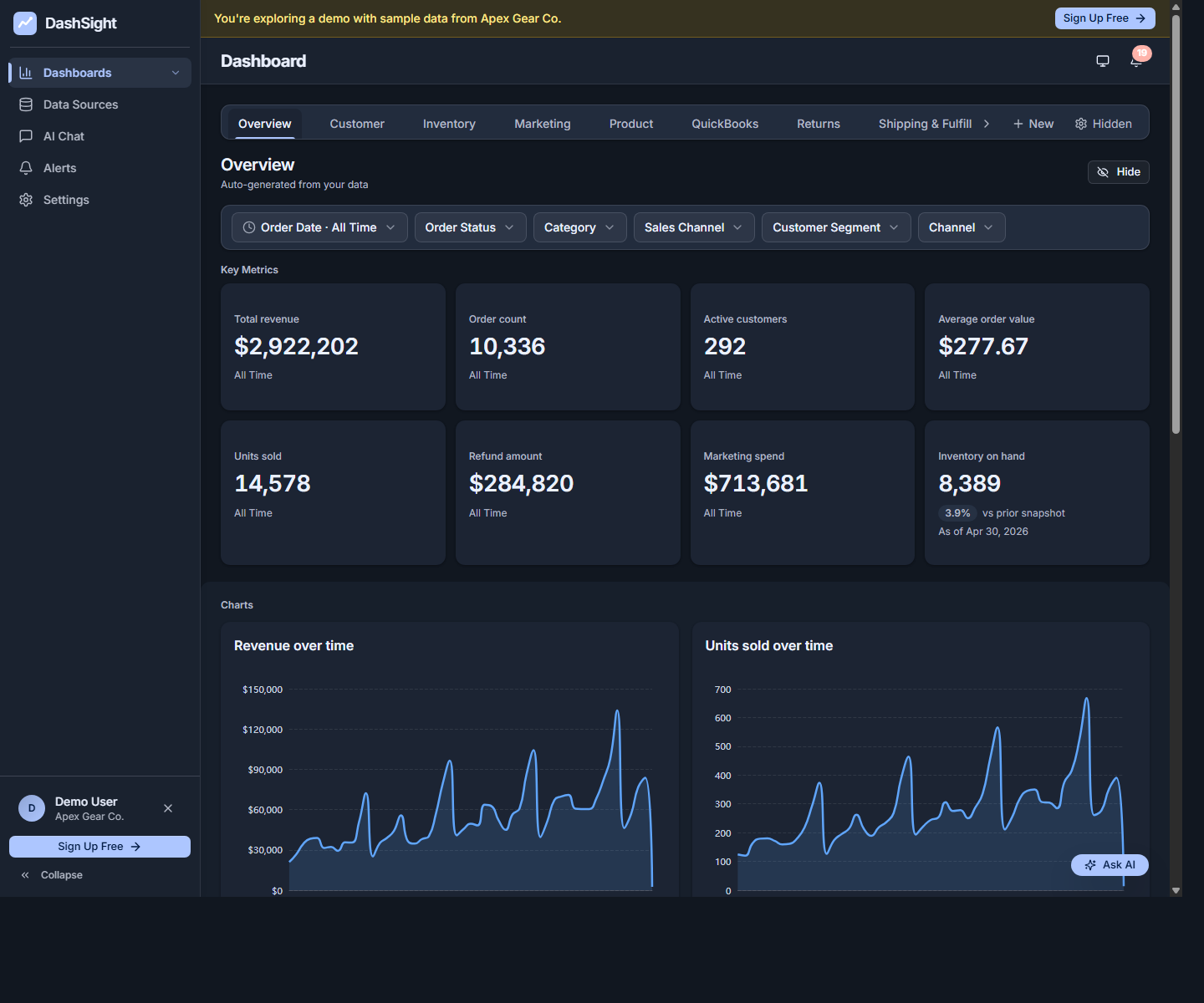
Connect Google Sheets to DashViz to auto-generate charts and KPIs from any sheet — without rebuilding the spreadsheet every week. Ask questions in plain English. Set alerts.
14-day trial · No credit card required
Native Google Sheets is on the roadmap. Until then, export Google Sheets data to CSV or Excel and DashViz handles the rest.
What you get
- Auto-generated dashboard from any Google Sheet — DashViz reads the columns and identifies metrics automatically.
- AI chat over your sheet data — ask 'what's the trend on column B over the last 90 days?'
- Live updates: when the sheet changes, the dashboard updates on the next refresh.
- The universal escape hatch — works for any data not in a connected SaaS tool.
Setup in 3 steps
Connect Google Sheets
When the connector is available, click Connect Google Sheets in DashViz, sign in with Google, and authorize read-only access.
Pick a sheet
Choose the spreadsheet and tab to analyze. DashViz reads the headers and sample rows.
Get your dashboard
Your dashboard generates with charts, KPIs, and breakdowns based on what's in the sheet.
Metrics DashViz auto-detects from Google Sheets
- Any numeric column (revenue, count, percentage, currency)
- Time series on any date column
- Categorical breakdowns on any text column
- Custom KPIs from formulas in your sheet
When Google Sheets's built-in reporting is enough
Google Sheets has built-in charts that work for ad-hoc visualizations. DashViz adds value when you want a stable dashboard you don't have to rebuild, AI chat over the data, alerts on changes, or to combine sheet data with connected sources like Stripe.
Common questions about Google Sheets + DashViz
Does DashViz modify my sheet?
Read-only. DashViz never writes back to the sheet. Your spreadsheet stays exactly as it was.
How big can the sheet be?
Up to your row limit on the plan. Free Trial 25K rows, Starter 1M, Pro 5M, Enterprise limits are scoped with the customer.
What if the sheet structure changes?
DashViz re-reads the schema on refresh. If columns are added or renamed, you'll be prompted to confirm the changes.
Can I use DashViz with multiple sheets in one spreadsheet?
Yes — each tab can be a separate data source if it has a different structure, or DashViz can union compatible tabs.
Ready to explore Google Sheets analytics?
Start your 14-day free trial. No credit card required.